Color
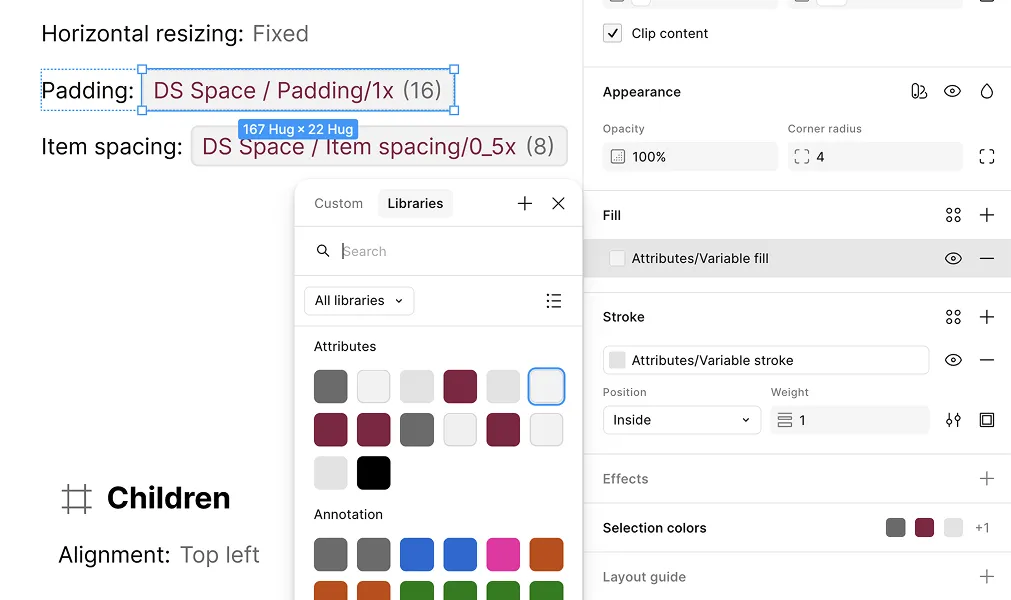
By default, every color in a generated spec — backgrounds, markers, annotations, attribute text — is a hardcoded value. Turning on Color replaces those hardcoded values with real Figma color variables in a dedicated Specs collection, so the whole spec’s palette can be edited or retheme in one place instead of regenerating it.
How It Works
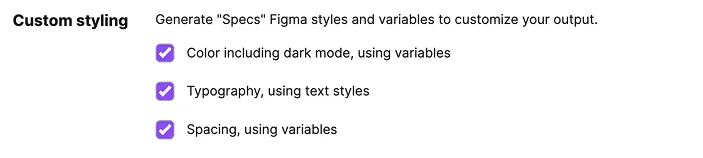
Open the plugin’s Settings tab and check “Color including dark mode, using variables” under Custom Styling, then generate as usual.
What It Includes
- Specs collection — creates or reuses a
Specsvariable collection, hidden from publishing - Light and Dark modes — every color variable is set for both a Light and a Dark mode value on the same collection
- Full coverage — every hardcoded color used across all output sections (fills, strokes, text, markers, annotations) binds to one of these variables instead
Variables You Can Customize
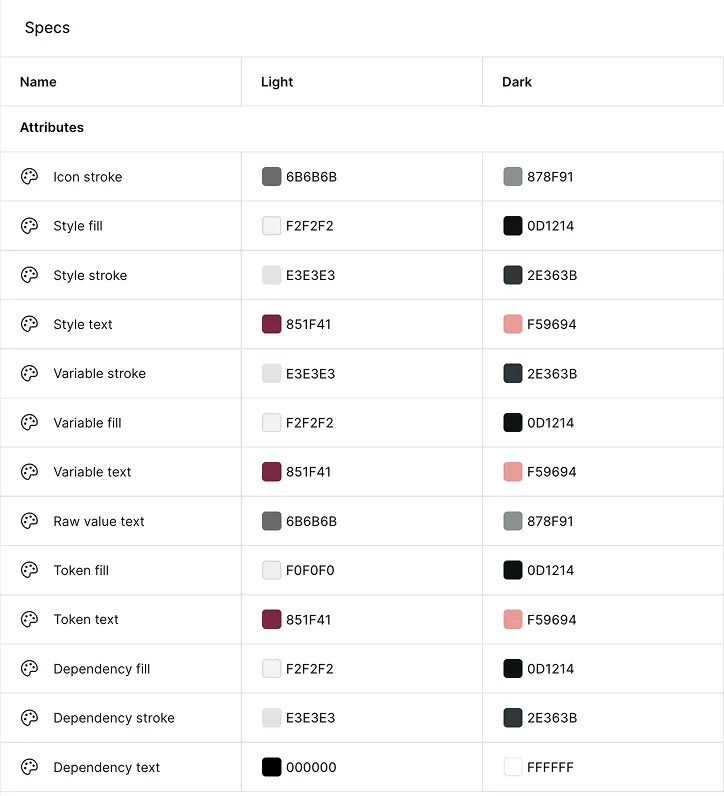
Each variable carries independently editable Light and Dark values, directly in Figma’s Variables panel — so if the default palette doesn’t fit your file, adjust it once and every future spec inherits the change.
Once Color is enabled, the collection’s Light/Dark modes can be toggled directly in Figma — see Dark Mode for how.