Styling
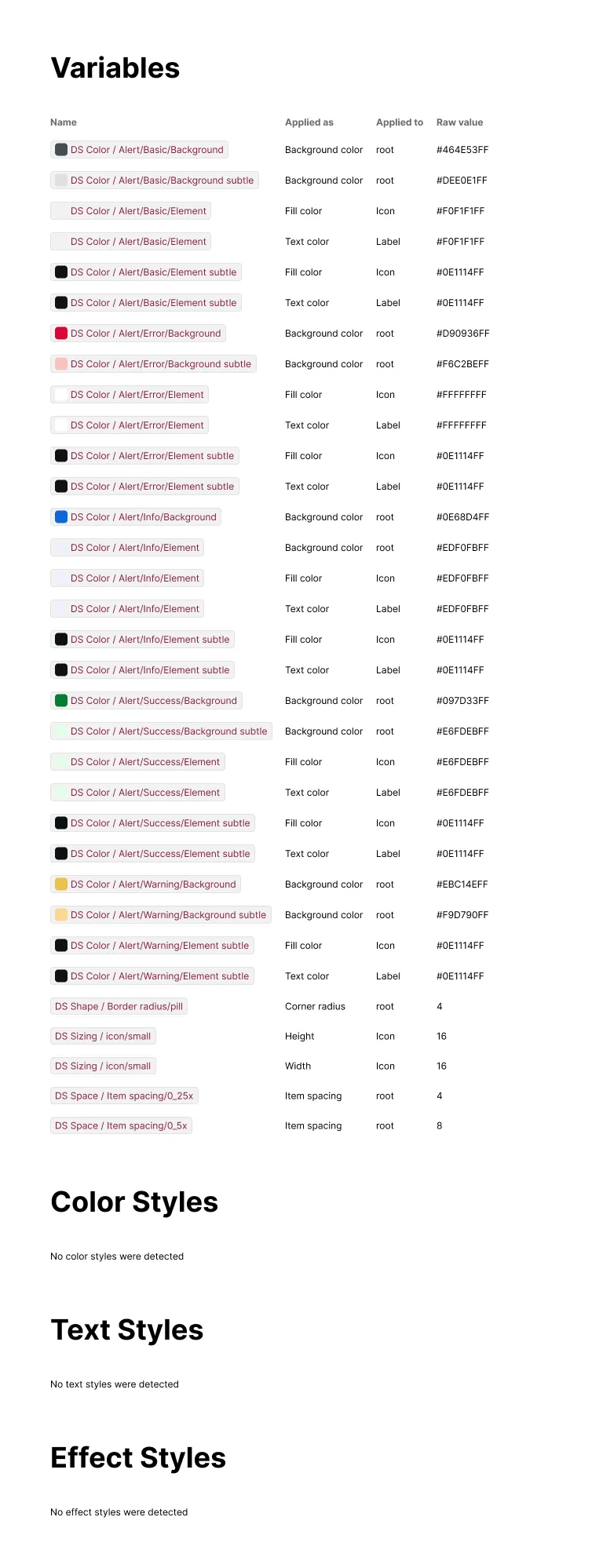
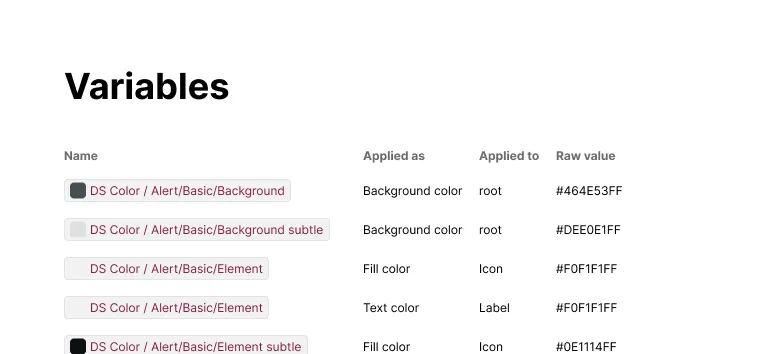
The Styling section provides an inventory of every variable and style detected on a component, including one table per category and, for variables, their resolved raw value.
What It Includes
Tables included:
- Variables — Figma variables bound to any element, shown as a pill with the variable’s name
- Color Styles — named fill or stroke styles applied to any element
- Text Styles — named text styles applied to any element
- Effect Styles — named effect styles (shadows, blurs) applied to any element
Per table, each row includes:
- Applied as — the role the variable or style plays where it’s used (e.g. Background color, Text color, Stroke color, Text style, Effect style)
- Applied to — which element(s) use it, with a count when the same variable or style repeats across multiple elements
- Raw value — for variables only, the underlying resolved value (e.g. a hex color, a number, a string)
Related Settings
- Tokens — Switches variable pills to a platform’s code syntax name
- Color — Formats resolved raw color values, e.g. hex vs RGB
Examples
Aggregated Across Variants and Elements
A component with many appearance variants — like an Alert’s Basic, Error, Info, Success, and Warning states — produces one row per token per variant, so every combination it can take gets its own line in the Variables table. Categories with nothing detected still get their own table, with a plain line reading “No [category] were detected” instead of rows.